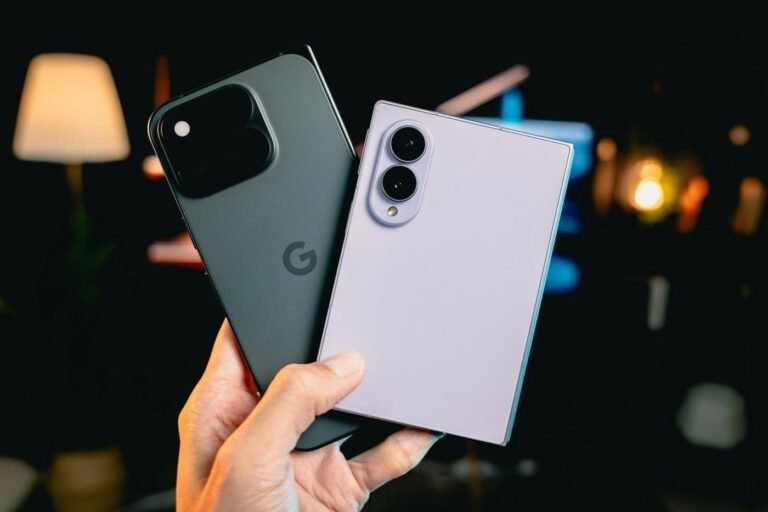
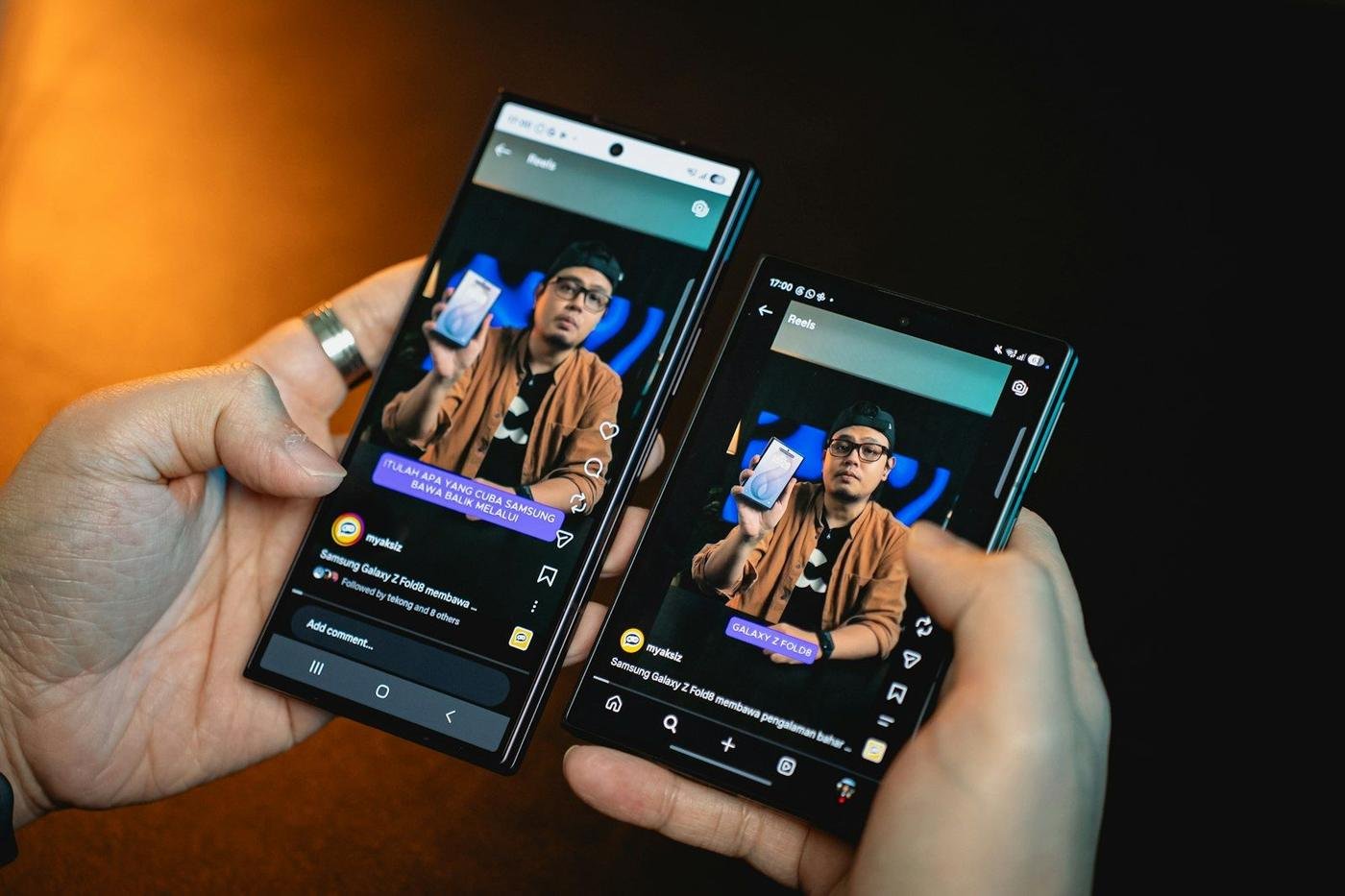
Real devices vs emulators is one of the oldest debates in mobile QA, and the honest answer is that you need both. Emulators are fast, free and perfect for automation. However, they hide entire classes of bugs that only show up on physical hardware, real OEM software and real networks. This guide lists what emulators miss, shows where each option fits, and gives you a practical split for your next release.
Key takeaways
- Emulators and simulators are ideal for early development, unit tests and CI automation.
- They miss hardware sensors, OEM battery and permission rules, real GPU behavior, thermal throttling and true network conditions.
- Payments, push notifications, biometrics and camera flows need real devices before release.
- Pick real devices from your own analytics, and include older and low-end models.
- Crowdtesting adds real carriers, real wallets and real locales on top of real hardware.
Real devices vs emulators: the core difference
An emulator is software that imitates a phone’s hardware and runs a mobile operating system on your computer. The Android Emulator in Android Studio, for example, runs a real Android system image on virtual hardware. The iOS Simulator in Xcode works differently. It runs your app compiled for your Mac’s processor and imitates iOS, so it is even further from a real iPhone.
A real device is the actual phone or tablet your users hold. It has a specific chipset, screen, battery, modem, camera and sensors. It also runs vendor software such as Samsung One UI, Xiaomi HyperOS or OPPO ColorOS. As a result, the same APK can behave differently on a Pixel 9 and a Galaxy A15, even on the same Android version.
So the real devices vs emulators question is really about fidelity. Emulators trade fidelity for speed. That trade is great early in development. It becomes risky as you approach launch.

What emulators do well
Before weighing real devices vs emulators on blind spots, it is worth being clear about where emulators shine. Used well, they save your team a great deal of time.
- Fast feedback during development. Developers can run a build in seconds without hunting for a cable.
- CI automation. Espresso, XCUITest and Appium suites run reliably on emulators in parallel on every pull request.
- Screen size and density checks. You can quickly spin up a small phone, a foldable profile or a tablet layout.
- OS version spread. Testing an API level change on Android 10 through 15 is easy with system images.
- Deterministic debugging. Snapshots, mocked locations and scripted network throttling make bugs easier to isolate.
Therefore, keep emulators at the base of your test pyramid. In the real devices vs emulators trade-off, problems start only when emulators become your only device.
What emulators miss: 10 bug classes that need real devices
Here are the most common bugs that slip past emulators and simulators. Each one comes with an example bug title of the kind a real-device tester would file.
1. OEM battery and background restrictions
Many Android vendors kill background work aggressively. Xiaomi, OPPO, vivo and Huawei devices often stop services, delay alarms and drop push notifications unless the user changes settings. Stock emulators do none of this. Example bug: “Redmi Note 13, HyperOS: workout tracking stops after 4 minutes with screen off.”
2. Push notifications and deep links
The iOS Simulator can receive simulated pushes, but real delivery through APNs, notification grouping and Focus modes behave differently on hardware. On Android, notification channels vary by skin. Example bug: “iPhone 13, iOS 18: tapping order shipped notification opens home screen instead of order details.”
3. Camera, scanning and media
Emulated cameras feed a static image or your webcam. Real cameras have autofocus delays, low-light noise and different aspect ratios. Barcode, QR and document scanning often fail in real lighting. Example bug: “Galaxy A35: KYC ID capture blurs on every attempt indoors.”
4. Biometrics and secure hardware
Face ID, Touch ID and Android fingerprint sensors can be faked on emulators, but real behavior includes failed reads, fallbacks to passcode and keystore differences across vendors. Example bug: “Pixel 7a: app logs user out after biometric enrollment changes.”
5. Performance, memory and thermal throttling
Your laptop has far more memory and cooling than a budget phone. On a device with 3 or 4 GB of RAM, the OS kills your app in the background sooner. Long sessions also heat the chipset and slow rendering. Example bug: “Moto G24: map screen drops to 15 fps after 10 minutes of navigation.”
6. GPU and rendering differences
Mali, Adreno and Apple GPUs render shaders, blur effects and video differently. Emulators use your computer’s graphics stack. Example bug: “Galaxy A15 (Mali GPU): video thumbnails show green artifacts.”
7. Real network conditions
Network throttling on an emulator is a clean simulation. Real networks add packet loss, captive portals, IPv6-only carriers, handovers from Wi-Fi to LTE and carrier proxies. Example bug: “Jio 4G, Android 14: file upload restarts from zero after Wi-Fi to mobile switch.” We cover this in depth in our guide to testing on real networks.
8. Payments and wallets
Apple Pay and Google Pay need real provisioned cards and secure elements. UPI apps, Pix banking apps and M-Pesa flows involve app switching, OTPs and SMS. None of this works fully on an emulator. Example bug: “iPhone 14, Apple Pay: payment sheet closes but order stays pending.”
9. Hardware inputs and form factors
Foldables, notches, Dynamic Island, punch-hole cameras, S Pen input and physical keyboards all change layouts and input handling. Example bug: “Galaxy Z Fold6: checkout layout breaks when unfolding mid-flow.”
10. Interruptions and OS interactions
Real phones get calls, low battery warnings, OS update prompts, Bluetooth headsets and split-screen use. These interruptions expose state bugs. Example bug: “Incoming call during OTP entry clears the code field on Android 15.”
Real devices vs emulators compared
The table below summarizes real devices vs emulators, capability by capability. Cloud device farms sit in between, because they offer real hardware but in a lab setting.
| Capability | Emulator or simulator | Cloud device farm | Crowd on real devices |
|---|---|---|---|
| Speed to start | Seconds | Minutes | Under 24 hours |
| CI automation | Excellent | Good | Not the focus |
| OEM skins and battery rules | No | Yes | Yes |
| Real sensors and camera | Limited | Partial (fixed scene) | Yes, real environments |
| Real carriers and SIMs | No | Rarely | Yes, many countries |
| Real wallets and local payments | No | Rarely | Yes |
| Native language and locale | Settings only | Settings only | Native speakers |
| Human exploratory judgment | No | Only if you supply it | Yes |
How to split testing between real devices and emulators
A sensible real devices vs emulators split follows your release lifecycle. Emulators carry the early, high-volume work. Real devices take over as risk rises.
- During development: developers use emulators and simulators for quick checks and debugging.
- On every pull request: run unit and UI automation on emulators in CI.
- Nightly or per sprint: run your critical UI suite on a small set of real devices in a lab or farm.
- Before release: run functional, payment and exploratory testing on a broad real device matrix with real networks.
- After major OS releases: rerun core flows on real devices with the new iOS or Android version, ideally during the beta period.
This approach keeps your pipeline fast. At the same time, it guarantees that a human has used the release on real hardware before your customers do.
A real devices vs emulators rule set for your team
Written rules stop the debate from restarting every sprint. For example, many teams adopt a short policy like this one:
- Layout, copy and pure business logic changes can be verified on emulators.
- Any change to payments, login, push, camera, location or background work needs a real-device pass.
- Any release that ships to a new country needs testing on local carriers and local payment methods.
- A new major iOS or Android version triggers a real-device regression of core flows.
As a result, the real devices vs emulators decision becomes a checklist item instead of a judgment call made under deadline pressure.
Choosing a real device matrix
You cannot test every device, so choose deliberately. Start from your own analytics rather than generic market share lists.
- Top devices by sessions or revenue. Cover the models behind roughly 80% of usage in each key market.
- OS spread. Include the current and previous major versions of iOS, plus at least three Android versions.
- Low-end and older devices. Add at least two budget Android phones with 4 GB of RAM or less, and one older iPhone.
- OEM variety. Mix Samsung, Xiaomi, OPPO or vivo, Motorola and Google, because skins behave differently.
- Form factors. Add a tablet, a foldable and a small-screen phone if your users have them.
- Markets. Pair each device with the carriers and payment methods common in that country.
For example, a matrix for an Indian and Brazilian launch might include a Galaxy A15 on Jio, a Redmi Note 13 on Airtel, a Moto G54 on Vivo Brasil and an iPhone 13 on Claro. Our guide to building a device matrix goes deeper on this. Google’s Android Emulator documentation also lists which hardware features the emulator can and cannot reproduce.
Getting real-device coverage without a device lab
Buying and maintaining 40 phones is expensive and slow. Devices need charging, OS updates, SIM plans and replacement every couple of years. In addition, a lab in one city still sees only one set of networks.
Crowdtesting closes the real devices vs emulators gap differently. Vetted testers already own the phones your users own, on their own carriers and with their own wallets. A test lead picks testers that match your matrix, briefs them, and triages every report before it reaches your tracker. On TestGate, a cycle can start in under 24 hours, and bugs arrive in Jira, Linear or GitHub with device, OS, network and video attached. Explore our mobile app testing service or see how the triage gate works.
What a real-device cycle report looks like
- Coverage summary: devices, OS versions, carriers and countries tested.
- Bugs by severity, each reproduced and deduplicated, with affected devices listed.
- Device-specific findings, for example “fails only on One UI 6 with battery saver on.”
- Pass or fail status for each test case on each device.
Frequently asked questions
Are emulators good enough for mobile app testing?
Emulators are good enough for early development, unit and UI automation, and quick layout checks. They are not enough for release sign-off, because they miss hardware, OEM software, real network and payment behavior.
What is the difference between an emulator and a simulator?
An Android emulator imitates device hardware and runs a real Android system image. The iOS Simulator runs your app compiled for your Mac’s processor and imitates iOS behavior, so it is even further from a real iPhone.
How many real devices do I need to test on?
Start with the devices that cover roughly 80% of your sessions or revenue, then add a few older and low-end models. For many consumer apps, that means 15 to 30 device and OS combinations per release.
Can a cloud device farm replace crowdtesting on real devices?
A device farm gives you real hardware, but it sits on data-center Wi-Fi without local SIM cards, real wallets or native speakers. Crowdtesting adds those real-world conditions on top of real hardware.
Test your next release on real devices
Close the gap between your emulator and your users’ pockets. Talk to us to run a real-device cycle before your next launch.