

Fitting crowdtesting into CI/CD is where many teams stall. The crowd finds real bugs on real devices, yet the cycle runs outside the pipeline, results land in spreadsheets and the release train leaves without them. This guide shows you where crowd cycles belong in your pipeline, how to route bugs into Jira and how to make release decisions on time.
Key takeaways
- Treat the crowd as a pipeline stage with clear entry and exit criteria, not a side project.
- Automation covers every commit; crowd cycles cover release candidates, real devices and human judgment.
- Trigger cycles from CI with a build, a cycle template and an API call or webhook.
- Route only triaged, reproduced bugs into Jira, with fields mapped to your workflow.
- Agree on blocking rules in advance so go or no-go decisions take minutes.
Why fitting crowdtesting into CI/CD matters
CI/CD is built for speed and repeatability. Every commit triggers builds, unit tests and automated UI checks. However, automation only checks what someone thought to script. It cannot tell you that a button overlaps the keyboard on a Galaxy A15, or that the OTP never arrives on a Vodafone SIM.
Crowdtesting fills that gap. Yet when the crowd sits outside the pipeline, three problems appear:
- Timing drift: cycles start late, so results arrive after the release has shipped.
- Tool sprawl: bugs live in a separate portal, so developers miss them.
- Unclear authority: nobody knows whether a crowd bug should block the release.
Therefore the goal is simple. Make the crowd a stage that starts automatically, reports into the tools your team already uses and feeds a clear release decision. When you fit crowdtesting into CI/CD this way, it becomes as routine as your test suite.
There is a cultural benefit, too. Developers start to trust crowd results when they arrive on time, in Jira, with clear repro steps. As a result, they treat a crowd bug the same way they treat a failing automated test: as a signal to act on, not a distraction.
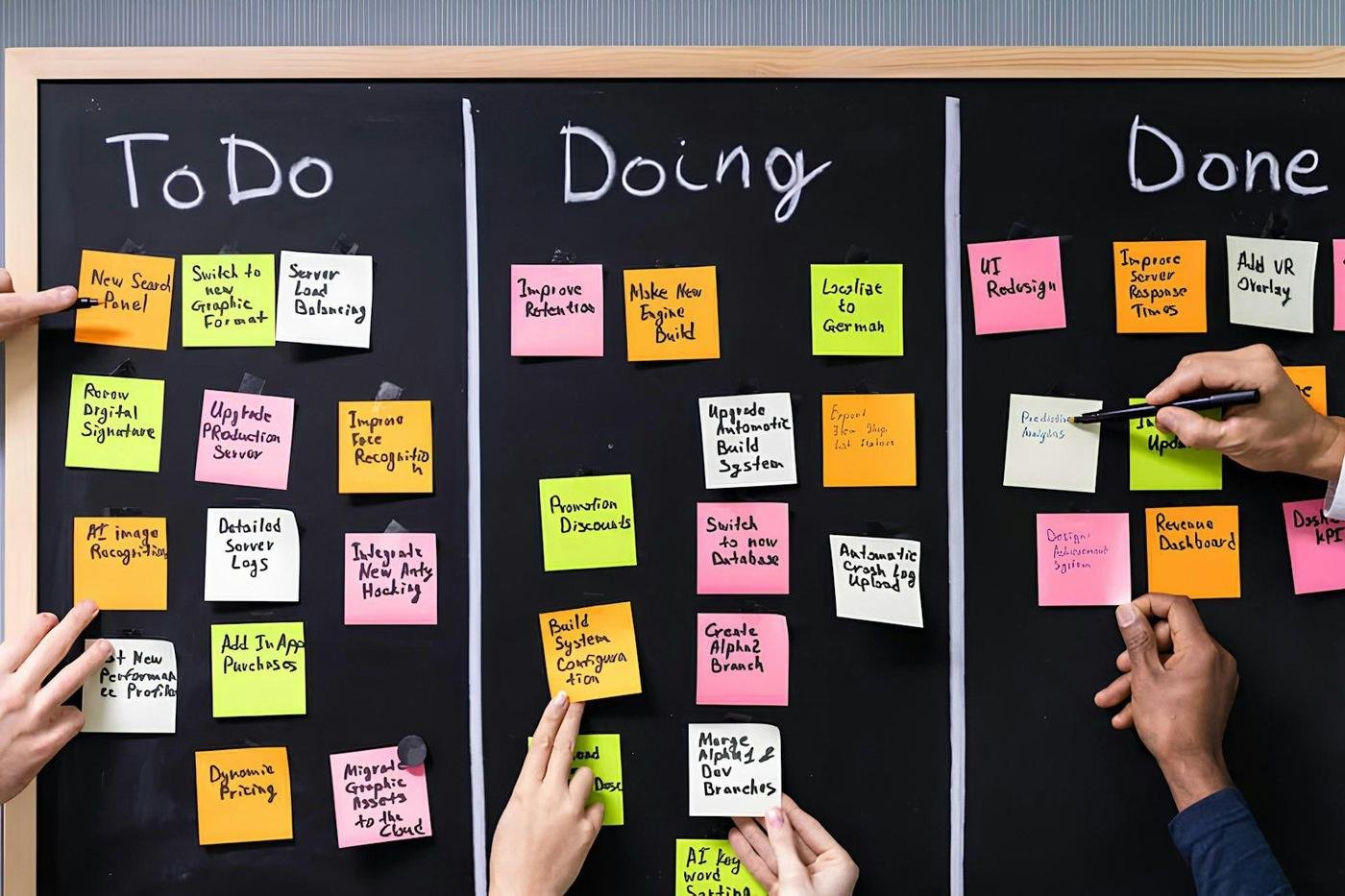
Where crowd cycles fit in the pipeline
Not every commit needs human testers. Instead, map each type of testing to the pipeline stage where it gives the best return.
| Pipeline stage | Testing | Typical turnaround |
|---|---|---|
| Every commit | Unit tests, linting, static analysis | Minutes |
| Merge to main | Integration tests, automated UI tests on emulators or a device farm | Under an hour |
| Nightly build | Full automated regression | Hours |
| Feature complete | Crowd exploratory cycle on new features | 1 to 2 days |
| Release candidate | Crowd regression and smoke cycle across the device matrix | 4 to 24 hours |
| Post-release | Crowd production smoke test in key markets | 2 to 4 hours |
For example, a team on a two-week release train might run an exploratory cycle on day 7, once features are complete. Then it runs a regression cycle on the release candidate on day 11. As a result, there are three days left to fix and verify before ship day.
For more on dividing work between scripts and people, read our regression testing strategy guide.
Triggering crowd cycles from your CI tool
Manual kickoffs are the main reason crowd cycles start late. Therefore automate the trigger. The setup has three parts.
1. A distributable build
Your pipeline already produces builds. Next, it needs to publish them where testers can install them. For iOS, that usually means TestFlight. For Android, it might be Firebase App Distribution or a private Google Play track. For web, it is a staging URL behind authentication.
2. A cycle template
Create reusable templates for each cycle type. A template defines scope, test cases, devices, markets, tester count and duration. For instance, your “RC regression” template might specify 12 testers, 20 devices across iOS 17 and 18 and Android 13 to 15, three markets and a 24-hour window.
3. An API call or webhook
Finally, add a pipeline step that calls the crowdtesting API when a release candidate is tagged. The call passes the build link, version number and template ID. Here is the flow in plain steps:
- A developer tags v4.12.0-rc1 in Git.
- GitHub Actions, GitLab CI or Jenkins builds and signs the app.
- The pipeline uploads the build to TestFlight and Firebase App Distribution.
- A final step calls the crowdtesting API with the build links and the “RC regression” template.
- Testers receive the build and start within hours; Slack posts a “cycle started” message.
Because the trigger is automatic, the crowd never waits for someone to remember. In addition, every cycle is tied to an exact build, which makes bugs easier to trace.
Routing crowd bugs into Jira
Developers live in Jira, or in Azure DevOps, Linear, GitHub or GitLab. Consequently, crowd bugs must land there, in the right project, with the right fields. A separate portal that nobody checks is the fastest way to waste a cycle.
Send only triaged bugs
Raw crowd submissions should never go straight into your backlog. Instead, a test lead should reproduce each report, merge duplicates and set severity first. At TestGate, this triage gate runs before any issue is created. Our guide to the bug triage process explains why this step matters at scale.
Map fields to your workflow
Field mapping makes crowd bugs feel native. A typical mapping looks like this:
- Summary: “Payment sheet freezes after Face ID approval on iPhone 14, iOS 18.1”
- Priority: mapped from crowd severity (Critical to Highest, Major to High and so on).
- Component: mapped from the feature area in the test case.
- Fix version: the release candidate under test.
- Labels: crowd, the market code and the cycle ID.
- Environment: device, OS, browser, carrier and network type.
- Attachments: video, screenshots and device logs.
Sync status both ways
When a developer moves an issue to “Ready for QA,” the crowd platform should see it. Then the original tester can verify the fix on the same device. Once verified, the status syncs back. As a result, nobody copies updates between tools. You can see how these integrations work on the TestGate platform.
Making release decisions with crowd results
The release train needs a clear yes or no. Therefore define blocking criteria before the cycle starts, not during the release meeting.
A simple set of rules might be:
- Any critical bug blocks the release.
- Any major bug in a core flow (sign-up, login, checkout, payments) blocks the release.
- Major bugs outside core flows need product owner sign-off.
- Minor and trivial bugs go to the backlog with a target version.
In addition, set a data cut-off. For example, the release meeting reviews all bugs triaged before 10:00 on ship day. Anything later is assessed by the on-call lead. Because the rules are fixed, the decision takes minutes.
Use a cycle summary
At the end of each cycle, you should get a short summary: bugs by severity, coverage achieved, blocked test cases and open risks. For instance, “18 valid bugs (1 critical, 4 major), 96% of test cases executed, Android 15 on Pixel 9 not covered due to an install issue.” Post it to the release channel in Slack, so everyone sees the same picture.
Measure the crowd stage like any other stage
Once you bring crowdtesting into CI/CD, track it with the same rigor as your build times and test pass rates. A handful of metrics is enough:
- Time to first result: hours from RC tag to the first triaged bug in Jira.
- Cycle completion: share of planned test cases and devices actually covered.
- Valid bug rate: share of delivered bugs your developers accept as real and unique.
- Escaped defects: production bugs in areas the cycle covered, found after release.
- Verification time: hours from “Ready for QA” to a confirmed fix.
For example, if time to first result keeps creeping past eight hours, your trigger or build distribution likely needs work. Similarly, a rising escaped defect count in one area tells you to strengthen its test cases. Review these numbers in your sprint retro, because small fixes compound over many releases.
A sample two-week release train with crowdtesting
Here is how fitting crowdtesting into CI/CD can look on a biweekly train.
| Day | Pipeline event | Crowd activity |
|---|---|---|
| Day 1 to 6 | Feature development, automated tests on every commit | None, or fix verification from the last release |
| Day 7 | Feature complete build | Exploratory cycle on new features (24 to 48 hours) |
| Day 8 to 10 | Fixes merged; nightly regression | Fix verification on original devices |
| Day 11 | Release candidate tagged | Automated RC regression cycle starts (24 hours) |
| Day 12 to 13 | Blocker fixes, RC2 if needed | Targeted re-test of blocker areas (4 to 8 hours) |
| Day 14 | Go or no-go, phased rollout | Production smoke test in key markets |
For a weekly train, compress the model. Run a smaller exploratory cycle early in the week and a 12-hour regression on the release candidate. Moreover, use beta testing with real users to cover the gaps between cycles.
Common pitfalls when you fit crowdtesting into CI/CD
- Testing unstable builds: if the build crashes on launch, the cycle is wasted. Add an automated smoke gate before the crowd trigger.
- Vague scope: “test everything” produces shallow results. Instead, point testers at changed areas and core flows.
- Too many integrations at once: start with Jira and Slack, then add webhooks and TestRail sync.
- No owner: someone must own the crowd stage, usually a QA lead or release manager.
- Ignoring the minors: minor bugs pile up. Therefore review them each sprint, or they become next quarter’s major bugs.
Avoid these, and the crowd becomes a dependable stage. Start with one cycle type, such as RC regression, and automate it fully. Then add exploratory and post-release cycles once the first one runs smoothly.
Frequently asked questions
Can crowdtesting keep up with continuous delivery?
Yes, if you scope it well. Automation runs on every commit, while crowd cycles run at release candidate stage or on a schedule, with smoke cycles returning results in hours and full cycles in one to two days.
How do crowdtesting bugs get into Jira?
Through a direct integration. After triage, each reproduced bug is created as a Jira issue with mapped fields such as severity, component, build number, device and attachments, and status changes sync back.
Should crowd bugs block a release?
Only when they meet your agreed blocking criteria, such as any critical bug or any major bug in a core flow. Define those rules before the cycle so the release decision is quick and objective.
What do I need to trigger a crowd cycle from my pipeline?
A distributable build (for example via TestFlight, Firebase App Distribution or a staging URL), a cycle template with scope and devices, and an API call or webhook from your CI tool to start the cycle.
Add the crowd to your pipeline
Connect TestGate to your CI, Jira and Slack and run your first automated cycle this sprint: talk to us.